Step-by-step guides · backups and storage
How to back up your phone properly
How to protect the photos, contacts and conversations on your phone with backups you can check and genuinely restore.
Text drafted with artificial intelligence. The topic, the angle and the final review are Ibrahin's. How AI is used here
What has happened
Your phone makes automatic “backups”, and often what it actually does is sync: keep the same thing on the phone and in the cloud. That's handy for having everything at hand, but not for getting it back if something goes wrong, because a deletion or a fault gets copied too.
Why it matters to you
Photos, conversations and documents are what money can't get back. And people usually discover their backup didn't include what they thought on the very day they lose or break their phone.
What you can do
1. Check what your phone's backup includes
In your phone's settings, check the date of the last backup, the account and, category by category, what's included: photos, contacts, conversations, downloads. Don't settle for the “backup complete” message.
2. Keep a second copy of your photos somewhere else
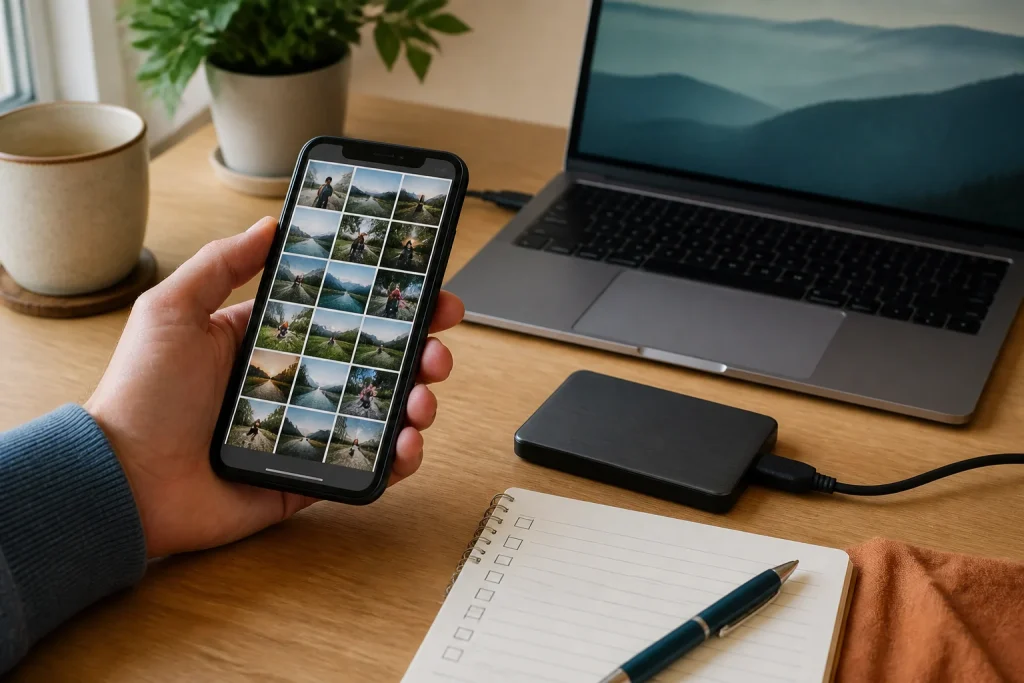
On your computer, an external drive or another cloud, but not dependent on the same account or device. The cheapest is the one you can already make today on your computer or a drive you have at home.
3. Check you can restore it
- Pick a photo, a contact and a non-sensitive document.
- Check they're in the backup.
- Restore them on another device or from the backup.
- Open them and check they're fine.
Don't restore the whole phone as a test without knowing what will be erased.
4. Protect the account that holds the backup
Two-step verification, recovery methods up to date, and check who can see your shared albums. A backup you can't download because you lost the account doesn't protect you. And if you use a drive, unplug it when you're not using it.
The recommendation
Today: restore five photos from different dates and one document from your backup. If it works, you have a backup; if not, you know what's missing. And keep your important memories in a second, separate place.
Sources
- Back up iPhone — Apple
- Back up or restore data on your Android device — Google
Related
Review
Responsible for publication: Ibrahin. Date: 2026-09-02. Last checked: 2026-09-02.
Where to keep the second copy
Before paying for anything: the cheapest second copy is the one you can make today, on your own computer or on an external drive you already have around. That alone satisfies the two-copies rule, and it costs nothing.
If you also want it outside the house — for a burglary, a fire or a breakdown — what matters is that it does not depend on the phone turning up, that you can get a single file back without being a technician, and that you know what you will be paying three years from now.
Where to buy it
Paid links. They open an Amazon search using this guide's criteria. If you buy something after following one, Ibrahin earns a commission and you pay the same price.
- 2 TB external hard drives, for the copy at homeamazon.es · paid link
- 1 TB external SSDs: no moving parts, and fasteramazon.es · paid link
As an Amazon Associate, I earn from qualifying purchases. You only need one if you do not already have a computer or a drive to keep it on. No specific model is linked because none has been tested here: the search applies the criteria and the decision is yours.
How this recommendation was made
Amazon searches checked on 9 October 2026: they show drives from well-known brands such as Seagate, Toshiba, WD, Samsung or SanDisk. Prices change without notice: check before buying.
This guide contains paid Amazon links, marked as such. If you buy after following one, Ibrahin earns a commission and you pay the same price. No recommendation in this text depends on that commission.