Step-by-step guides · privacy
Ads on WhatsApp: where they are and are not
Where WhatsApp shows ads and where it doesn't, what data is used to choose them and what changes if it's linked to Facebook or Instagram.
Text drafted with artificial intelligence. The topic, the angle and the final review are Ibrahin's. How AI is used here
What has happened
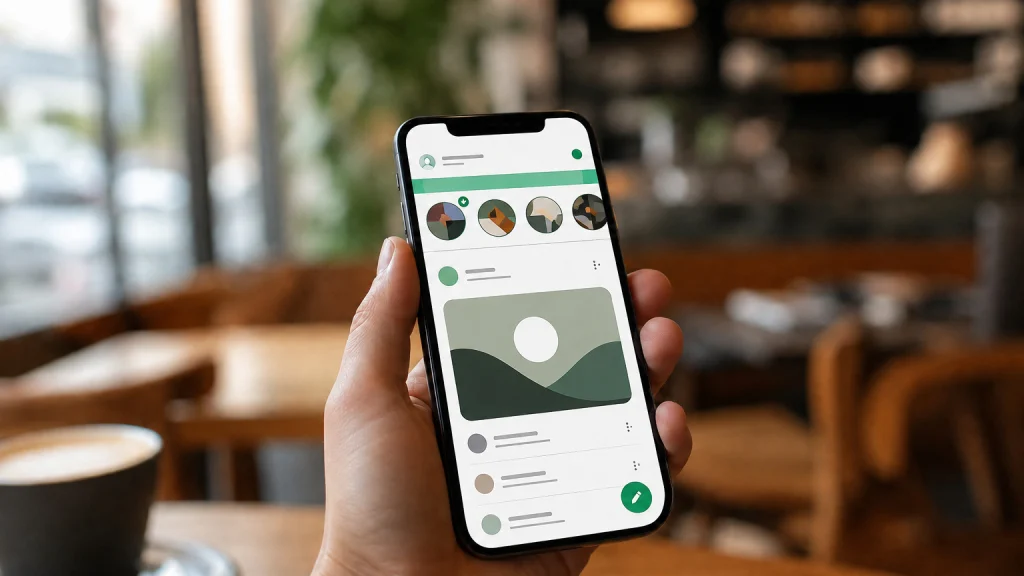
WhatsApp is bringing ads to Europe. If you get alarmist messages (that they'll read your conversations, that you have to accept something before a deadline), what has been checked is simpler: the ads are only where Status and Channels live.
Where WhatsApp shows ads
Where the ads are
According to WhatsApp and Meta
When Meta introduced these ads in June 2025, it said it would switch them on gradually over several months, so you may not have seen any yet.
Why it matters to you
Even though they don't read your messages, they do choose which ad to show you. WhatsApp says it uses limited data for that, such as your country or city, language, the channels you follow and how you react to the ads you see. It doesn't use your personal messages, your calls or the groups you're in, and messages, calls and statuses stay end-to-end encrypted.
Things change if your WhatsApp is in Meta's Accounts Centre, alongside Facebook or Instagram. Then it also uses your ad preferences and information from your Meta accounts to personalise them.
What you can do
1. Decide whether you want WhatsApp in the Accounts Centre
Having it there is optional and you can remove it whenever you want, from WhatsApp's settings or from the Accounts Centre itself. We don't give the exact steps because we haven't been able to check them. According to WhatsApp's policy for Europe, when you remove it, the information linking the accounts is deleted within 90 days, unless WhatsApp needs to keep it for a specific reason.
What you gain: your Facebook and Instagram data stops being used for your WhatsApp ads, and WhatsApp stops sharing with Meta the information the Accounts Centre requires, such as your number and profile photo.
What you lose: the features that connect the apps, such as sharing your Status as an Instagram or Facebook story, or a Facebook story to your Status, or logging into WhatsApp with those accounts. Also, according to the specialist press, the subscription to remove ads requires your account to be in the Accounts Centre and you to be over 18.
2. If you don't want to see ads
You have two ways out: stay away from Status and Channels, or pay for the ad-free subscription that, according to the press, Meta has announced for Europe, if it already appears for you. WhatsApp hasn't published the price on any page we've been able to check: look in the app itself before paying.
3. Be wary of messages with a deadline
If you get a message saying you have to accept something before a date or you'll lose WhatsApp, don't tap anything. Check it inside the app itself.
The recommendation
If you use WhatsApp to talk to your family, nothing changes for you. If you don't want your Facebook and Instagram data deciding your WhatsApp ads, remove it from the Accounts Centre, knowing that, according to the press, you then won't be able to subscribe to remove them. And if the ads bother you, the free way out is to stay away from Status and Channels.
In case you read news from Brussels: the European Commission announced on 26 January 2026 that it had designated WhatsApp as a very large online platform, because of its Channels. That requires it to identify and reduce risks such as illegal content or electoral manipulation. Private messaging is explicitly excluded.
Sources
- Answering your privacy questions — WhatsApp
- WhatsApp in Accounts Centre Supplemental Privacy Policy (EEA) — WhatsApp Ireland
- Helping You Find More Channels and Businesses on WhatsApp — Meta, 16 June 2025
- Commission designates WhatsApp as a very large online platform — European Commission
- Se acabó la era del WhatsApp totalmente gratis (in Spanish) — Xataka, 27 February 2026
Related
Review
Responsible for publication: Ibrahin. Date: 2026-09-04. Last checked: 2026-10-14. WhatsApp's help pages could not be read with our tools. The facts come from WhatsApp's policies, Meta's newsroom and the European Commission; the subscription details come from the specialist press.