Comparisons · e-readers
Which Kindle to buy, and when a Kobo is better
Which 2026 Kindle suits the way you read, why eBiblio does not work on any of them and the traps when buying, such as the version with ads.
Text drafted with artificial intelligence. The topic, the angle and the final review are Ibrahin's. How AI is used here
What I would look at first
These go to Amazon. If you buy, Ibrahin earns a commission and you pay the same price.

Picked with this guide’s criteria, without testing them. How it is decided
What has happened
On 1 October 2026 Amazon announced its new Kindle range (in Spanish). The 6-inch Kindle is already on sale; the new Paperwhite and Colorsoft are on pre-order and go on sale on 11 November. Meanwhile, the 2024 models are still sold alongside them, and it is easy to buy one thinking it is the other.
Each Kindle has a minimum date until which it will get security updates, and Amazon publishes it:
Why it matters to you
This is the question that decides the brand, and it is easy to forget before buying. eBiblio, the e-book lending service of Spain’s public libraries, says it bluntly in its device guide (in Spanish): borrowed books cannot be read on any Amazon Kindle model. The reason is the copy protection on borrowed books, which is not compatible with Kindle’s.
The same guide lists e-readers from Kobo, PocketBook, Tolino, Bookeen, Vivlio, NOOK and inkBOOK as compatible. One caveat: its Kobo list does not yet name the newest models (Clara BW, Clara Colour and Libra Colour). Kobo says its e-readers support Adobe’s protection, one of the two eBiblio uses, and PocketBook says it supports both (in Spanish). If the library is your case, ask at yours before buying.
The updates column matters less than on a phone, because an e-reader barely browses the internet. Separately, Amazon can cut very old models off from the store: since 20 May 2026, Kindles from 2012 or earlier can no longer buy, borrow or download new books. Kobo, for its part, does not say in its help pages how many years it supports its e-readers.
What you can do
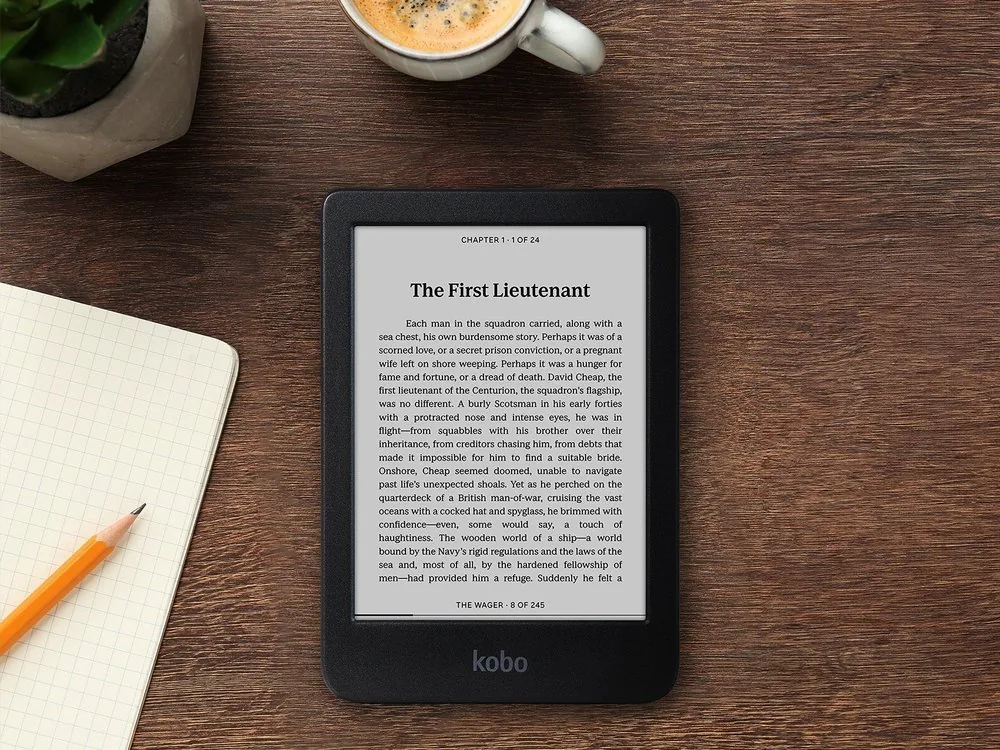
1. If you borrow library books, look at a Kobo
To move a borrowed book to a Kobo you need a computer with the Adobe Digital Editions program, according to Kobo’s help and eBiblio’s guide (in Spanish). You install it once; after that, with each loan, you connect the Kobo with a cable and copy the book from that program.
2. If you buy from Amazon, choose the Kindle by how you read
If everything you read you buy on Amazon or in the Kindle store, read on: a Kindle is the simplest option.
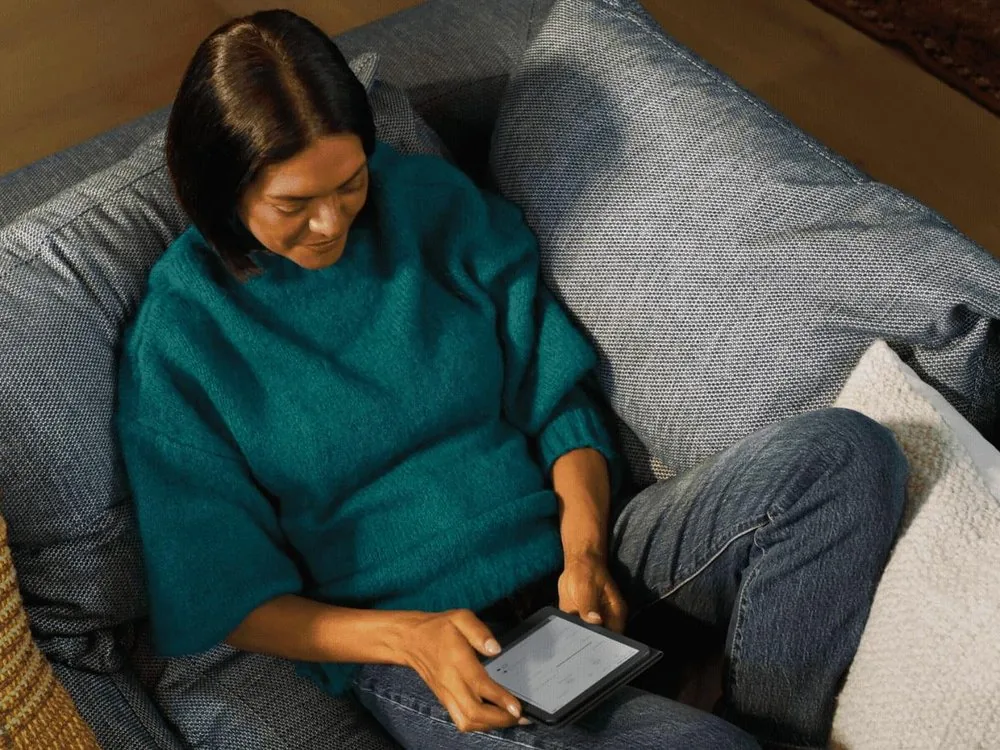
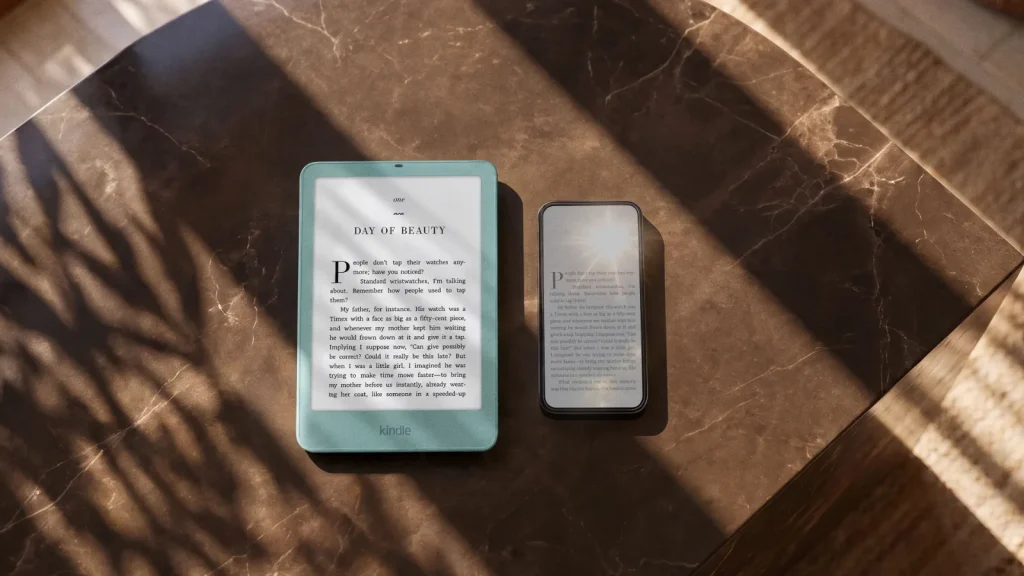
The 6-inch Kindle is the cheapest. What almost nobody checks: according to the comparison table on its listing, the 2026 model has no adjustable warm light and is not waterproof. It has a light, but you can only change the brightness, not the tone. For reading at home, on the sofa, it is more than enough.
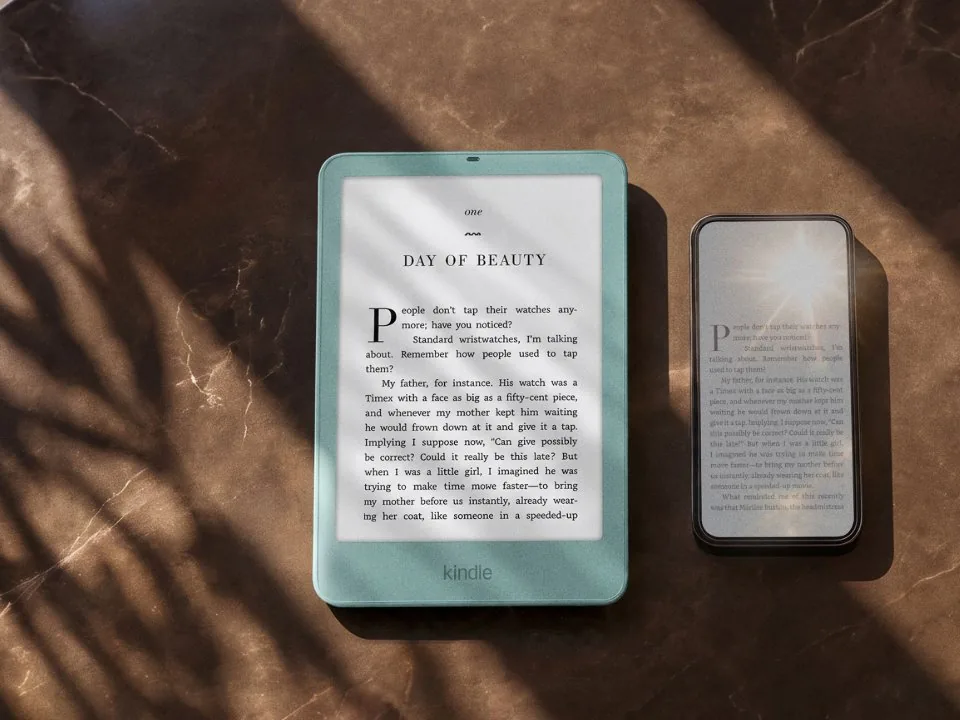
The Paperwhite is the one most people should buy. It has a 7-inch screen, a light that goes from white to amber for reading at night, and it survives an accidental drop in the bath: Amazon states IPX8 water resistance, up to 2 metres of fresh water for 60 minutes. Amazon also advertises up to 12 weeks of battery, twice the 6-inch Kindle.
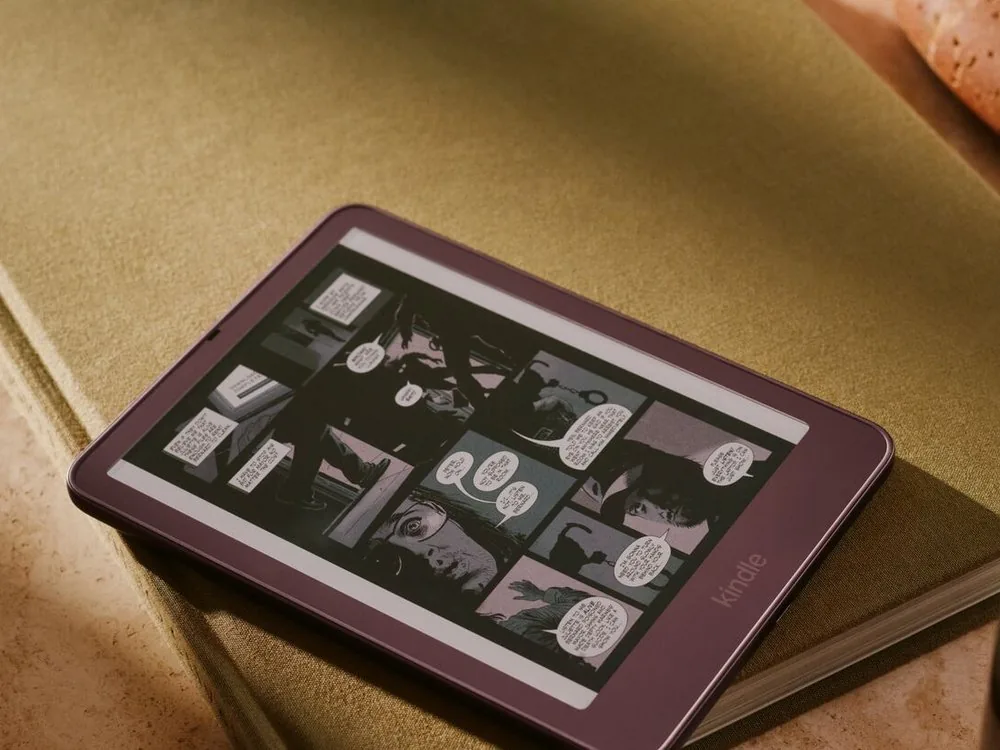
The Colorsoft is the Kindle with a colour screen. It makes sense for comics, children’s books, or if you like seeing covers in colour. Note: in colour the sharpness drops by half (150 pixels per inch, compared with 300 in black and white), according to its listing. For novels you do not need it.
| Model | Warm light | Water | eBiblio | Updates |
|---|---|---|---|---|
| Kindle (2026) 6", black and white | No | No | No | Until Dec 2030 |
| Kindle Paperwhite (2026) 7", black and white | Yes | Yes | No | Until Dec 2030 |
| Kindle Colorsoft (2026) 7", colour | Yes | Yes | No | Until Dec 2030 |
| Kobo Clara BW 6", black and white | Yes | Yes | Supports Adobe | Kobo does not say |
| Kobo Clara Colour 6", colour | Yes | Yes | Supports Adobe | Kobo does not say |
| Kobo Libra Colour 7", colour | Yes | Yes | Supports Adobe | Kobo does not say |
3. Avoid the traps when buying
- “With ads”. The 2026 Kindle and Paperwhite are sold in two versions. The “with ads” one is cheaper and, according to the listing, shows sponsored screensavers on the lock screen or when the device is asleep. If you get tired of them later, you can remove them by paying once from “Manage your devices” (in Spanish). The new Colorsoft is sold without ads.
- The 2024 model, thinking it’s the new one. On Amazon the 2024 Paperwhite and Colorsoft are sold alongside the 2026 ones. The title nearly always says which, in brackets: “2024 model” or “latest generation”. If it does not, look at the number of ratings: the 2024 one has thousands. If you find the 2024 one cheaper, it is not a bad buy: it also has warm light and is waterproof, and its update date in Amazon’s table is the same as the new one’s, December 2030.
- A second-hand Kindle that’s too old. Check the year before buying one used. Amazon only commits to security updates for the 2019 Kindle and the 2018 Paperwhite until 31 December 2026. And those from 2012 or earlier can no longer download new books from the store.
- Books you didn’t buy on Amazon. EPUB books, the most common format outside Amazon, and PDFs can be sent to your Kindle with Send to Kindle: from Amazon’s website, from the phone app or by email, and they appear on your Kindle. It does not work for protected files: Amazon says it does not accept “encrypted” files (both pages in Spanish).
- The Kindle Unlimited subscription renews by itself. When you buy a Kindle you will be offered Kindle Unlimited, a subscription to read the books in a catalogue. According to Amazon’s terms, it renews automatically unless you cancel it. If you try it, note the date and cancel it here if you do not use it (both pages in Spanish).
4. Check any e-reader in a minute
Copy the full listing of the e-reader you are looking at, paste it into ChatGPT, Gemini or whichever AI you use, and add this:
I am pasting the listing of an e-reader I want to buy. Tell me in plain language: 1) The exact brand, model and year. 2) Whether it has an adjustable warm light (going from white to amber). 3) Whether it is water resistant and with which rating (for example, IPX8). 4) Whether it is the version with ads or without ads. 5) Whether it works with books lent by public libraries (eBiblio), which use Adobe or LCP protection. If you are not sure, say so. 6) Whether the maker publishes until when it will give updates, and where. 7) What information is missing from the listing that I should ask the seller. Do not recommend another model: review only this one.
The recommendation
Before looking at models, ask yourself where you get your books. If you use the library, choose a Kobo even though the Kindle is better known. If you buy from Amazon, the Paperwhite: warm light for reading at night and water resistance. And if the 2024 Paperwhite is cheaper than the new one, it's a good buy: it gets the same updates.
Sources
All checked on 10 October 2026. Most are in Spanish.
- Amazon presents the new Kindle range, Amazon Spain (1 Oct 2026), in Spanish
- Kindle (2026), Kindle Paperwhite (2026), Kindle Paperwhite (2024) and Kindle Colorsoft (2026), Amazon.es listings, in Spanish
- Kindle e-reader software security updates, Amazon.es, in Spanish
- Send to Kindle, Amazon.es, in Spanish
- Send to Kindle errors, Amazon.es, in Spanish
- Remove ads from your Kindle e-reader or Fire tablet, Amazon.es, in Spanish
- Kindle Unlimited terms, Amazon.es, in Spanish
- Kindle e-readers released in 2012 or earlier, Amazon
- Compatible devices, eBiblio user guide, in Spanish
- Reading on an e-reader, eBiblio user guide, in Spanish
- File formats your Kobo eReader supports, Kobo
- Products no longer manufactured or supported by Kobo, Kobo
- Kobo e-readers on sale in Spain, Kobo, in Spanish
- Kobo Clara BW, Kobo Clara Colour and Kobo Libra Colour, Kobo Spain listings, in Spanish
- Adobe- and LCP-protected files on PocketBook, PocketBook Spain, in Spanish
Related
- Which tablet to buy, and when an iPad is worth it
- Phones that last: what each brand promises
- How to choose accessories that are actually worth it
Review
Responsible for publication: Ibrahin. Date: 2026-10-11. Last checked: 2026-10-10. English version: 2026-10-11.
Where to see it
- Security updates for each Kindleamazon.es
- E-readers compatible with eBiblioguiadeuso.ebiblio.es
- Kobo e-readers on sale in Spainkobo.com
- Send to Kindle: how to send your booksamazon.es
Links to the maker’s or the service’s own pages, some in Spanish. They are not affiliate links and earn no commission.
Where to buy it
Paid links. They open an Amazon search using this guide’s criteria. If you buy something after following one, Ibrahin earns a commission and you pay the same price.
- Kindle Paperwhite: warm light and waterproofamazon.es · paid link
- 6-inch Kindle, the cheapestamazon.es · paid link
- Kindle Colorsoft, in colouramazon.es · paid link
- Kobo Clara BW, for eBiblio booksamazon.es · paid link
As an Amazon Associate, I earn from qualifying purchases. No specific model is linked because none has been tested here: the search applies the criteria and the decision is yours. The searches show both 2024 and 2026 models: most titles say which, and if it does not say, it is not the new one.
How this recommendation was made
Data taken from the listings and help pages of Amazon.es, eBiblio’s official guide and the Kobo and PocketBook pages, on 10 October 2026.
Amazon searches reviewed on 10 October 2026. Prices change without notice: check them before buying.
This guide has paid links to Amazon, marked as such. If you buy after following them, Ibrahin earns a commission and you pay the same price. No recommendation in this text depends on that commission.